The question people ask most about AI outbound calling is not "can AI make phone calls?" It is "the prospect is interested, so what happens next?"
The prospect finally says "OK, go ahead", and the sales rep who takes the transfer opens with "May I have your name? What would you like to know?" The little patience the prospect had just built up is gone. Worse is a transfer that rings and rings with no one picking up; once the prospect hangs up, they never answer that number again.
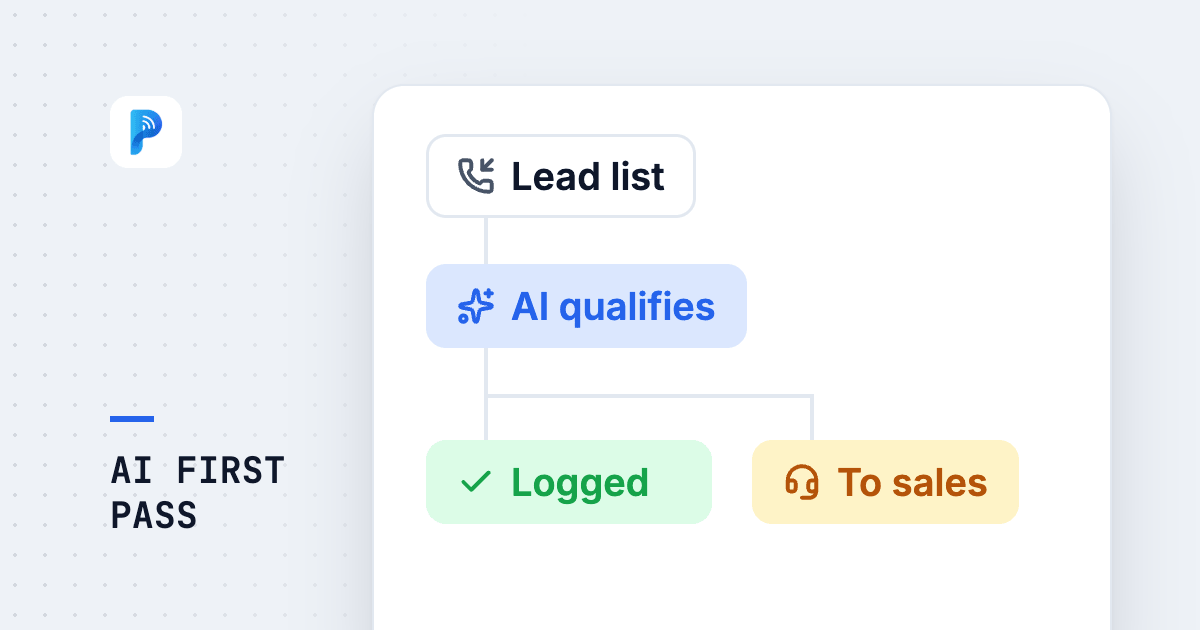
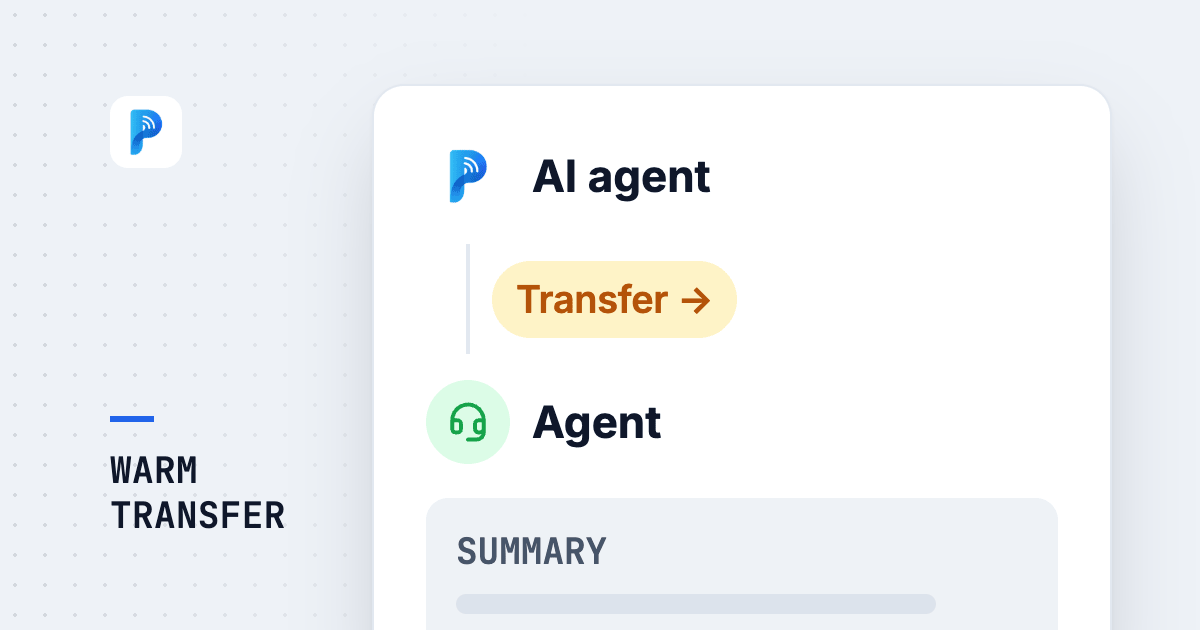
The short answer: there are three ways to transfer to a human: a live transfer on the spot, a scheduled callback, or marking the lead as high intent and passing it to sales for follow-up. Which one you choose depends on whether your reps are online and ready. Whichever you choose, before taking over the rep must see what the call already asked and what the prospect said.
Three ways to transfer to a human
| Method | How it works | When it fits | What to watch out for |
|---|---|---|---|
| Live transfer | The AI confirms the prospect is interested and willing to talk now, then transfers to a sales rep who is online | Reps are scheduled online and the list is warm | A transfer no one picks up does the most damage, so always have a fallback |
| Scheduled callback | The prospect cannot talk now, so the AI books a time on the spot and writes it to the schedule | Reaching people at work or driving | Always call back at exactly the agreed time |
| Pass to sales for follow-up | The AI marks the lead as high intent, attaches the conversation record, and sales calls back the same day | Reps are not reliably online | The longer the callback waits, the colder the prospect gets |
Many teams use all three: live transfers when reps are online, and callbacks or next-day follow-up when they are not.
When to transfer
Always transfer
Should transfer
Not yet
Write these conditions into the script flow in advance instead of leaving the AI to decide on the fly.
What sales needs to see before picking up
| Information to pass on at handoff | Why it is needed |
|---|---|
| Prospect's name and lead source | No need to ask their name or guess where they came from |
| Questions the AI asked and the prospect's answers | No need to ask the screening questions again |
| What the prospect said, in their own words | Know what they really care about |
| Why the call was transferred | Asking for a person, asking about price or complaining each call for a completely different first line |
| Recording and transcript | Go back and listen if anything is unclear |
The rep's first line should ideally pick up from what the prospect just said, for example "You mentioned you want to solve the problem of never getting through your lead list this quarter, so let me pick up from there", instead of a fresh round of introductions.
What if no one picks up the transfer?
This is the most overlooked situation and the most damaging. The prospect has agreed to listen, but the transfer just rings. Design the fallback in advance:
How to schedule the sales team
If you go with live transfers, sales schedules need to match the AI outbound calling hours: when the AI is calling, someone needs to be online ready to pick up. Because AI outbound calls can be scheduled in batches, you can concentrate interested calls into the hours when reps are online.
If reps spend most of the day out visiting clients, rely mainly on callbacks and follow-up, and save live transfers for the hottest leads.
Use the results to adjust
Look back at how conversations went after the transfer: of the leads the AI judged "interested", how many did sales close? If reps often say "the transfers weren't interested at all", the problem is usually the screening questions or the definition of "interested", and changing the script fixes it. Run two versions of the script on the same batch of leads to compare, and you can see the difference the same day you make the change.
With AI outbound calling, the key to transferring to a human is not whether the call goes through. It is whether the prospect has to repeat themselves, and whether someone is there to pick up. Decide how to divide the work among the three methods, write the transfer conditions into the flow, and pass on the full conversation record at handoff, so the rep can carry the conversation forward as soon as they pick up.
Pathors AI outbound calling transfers live when a prospect asks for a person, books a callback on the spot and writes it to the schedule when the timing is bad, and passes interested leads to sales with the full conversation context.
Further reading:
Frequently Asked Questions
Can AI outbound calling transfer directly to a human sales rep?
Yes. When a prospect asks to talk to a person, Pathors AI outbound calling transfers them live. When the timing is bad for the prospect, it books a callback slot on the spot and writes it to the schedule.
After the transfer, does the prospect have to repeat themselves?
They should not. Before taking over, the rep should see the questions the AI asked, the prospect's answers and own words, and why the call was transferred, so the first line picks up from what the prospect just said.
What if every rep is busy and the transfer cannot go through?
Check that someone can answer before transferring. If no one answers, the AI takes the call back, books a callback time with the prospect, and marks the call as a priority callback.
Does every interested call need a live transfer?
Not necessarily. Transfer live when reps are online. When reps are out visiting clients, a callback or same-day follow-up is more practical, and live transfers are best saved for the hottest leads.
When does the AI transfer to a human on its own?
It depends on the conditions you write into the flow. Common ones are the prospect asking for a person, asking about something the AI is not authorized to answer, or being upset. Pathors AI transfers to a person when it runs into terms beyond what it is authorized to handle.