Most contact centers record calls, and have done so for years. But ask a manager how many calls they listened to last week and the answer is usually "when I have time". The recording server holds every call, yet the ones that actually get opened are mostly the few pulled up after a complaint to check what happened.
The short answer: when choosing a call recording system, what matters is not how long it stores calls or how much capacity it has, but whether someone (or the system) actually listens to every call after it is recorded. When calls can be transcribed, scored one by one against your scorecard, and low scorers are flagged automatically, recordings go from "kept in case something goes wrong" to "used every day".
Three levels of call recording system
| Level | What it does | How it feels to the manager every day |
|---|---|---|
| Recording only | Stores files you can pull up by time or extension | You look only when you have to, and it takes a long time |
| Recording plus transcript | Read the text to know what was said, without listening to the whole call | Faster to find, but you can still only read a few calls |
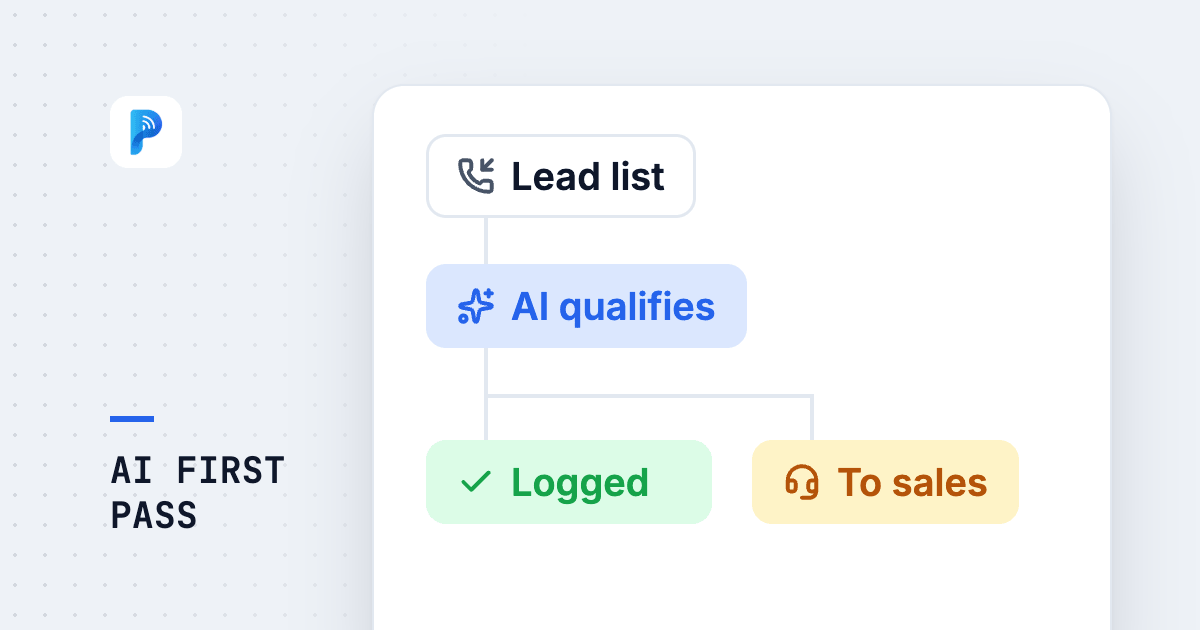
| Recording plus transcript plus scoring | Every call is scored against your scorecard and low scorers are flagged automatically | Look at the flagged calls first; no need to listen to the rest one by one |
Most companies stop at the first level. The problem is not recording quality. It is that nothing happens after the call is recorded.
Why manual spot checks are never enough
Team leads or QA staff listening to recordings and scoring them by hand is the most common approach. The problem is not a lack of effort. It has built-in limits:
For a fuller look at the difference between spot checks and scoring every call, see What Is AI Call Quality Assurance?
When every call is scored, what is being scored?
It is not "whether the AI thinks the call was good". It is your own scorecard, with items like these:
Plain language is enough; no need to set up a pile of keyword rules. Once a recording is transcribed, the system checks it item by item against this scorecard, and calls with low scores or no identity check are flagged so team leads can look at those first. For how to write a scorecard that is easy to judge, see How to Design a Call QA Scorecard AI Can Score Consistently.
After scoring, each team lead sees only the team they manage: whose scores are slipping, which calls need coaching, and who is weaker at which part of the call. The system can also draft the coaching points, so team leads do not have to start from scratch.
Training new agents on recordings is faster than having them memorize a handbook
New agents taking a long time to get up to speed is one of the most common complaints from customer service managers. Products, processes and scripts all have to be memorized first, and every new hire takes up a lot of senior colleagues' time. If every call has a score, the recordings can be used directly:
| Where new agents get stuck | Before | With transcripts and scores |
|---|---|---|
| Not knowing what a good call sounds like | Sit next to a senior colleague and listen | Read the transcripts of high-scoring calls |
| Not knowing what they are doing wrong | Wait until a team lead has time and happens to sample them | Every one of their own calls has an item-by-item score |
| Not knowing what to say next during a call | Memorize the handbook, and get stuck when they cannot remember | The system suggests the next line during the call |
| Dealing with a difficult customer | Push through alone and ask for help afterwards | The team lead can listen in live, prompt only the new agent, and join the call if needed |
What to check before choosing a call recording system
The value of a recording system is not how much it stores, but whether the recordings get used afterwards. When every call is transcribed, scored against your scorecard and low scorers are flagged automatically, team leads no longer rely on spot checks when they have time, and new agents can learn from their own recordings.
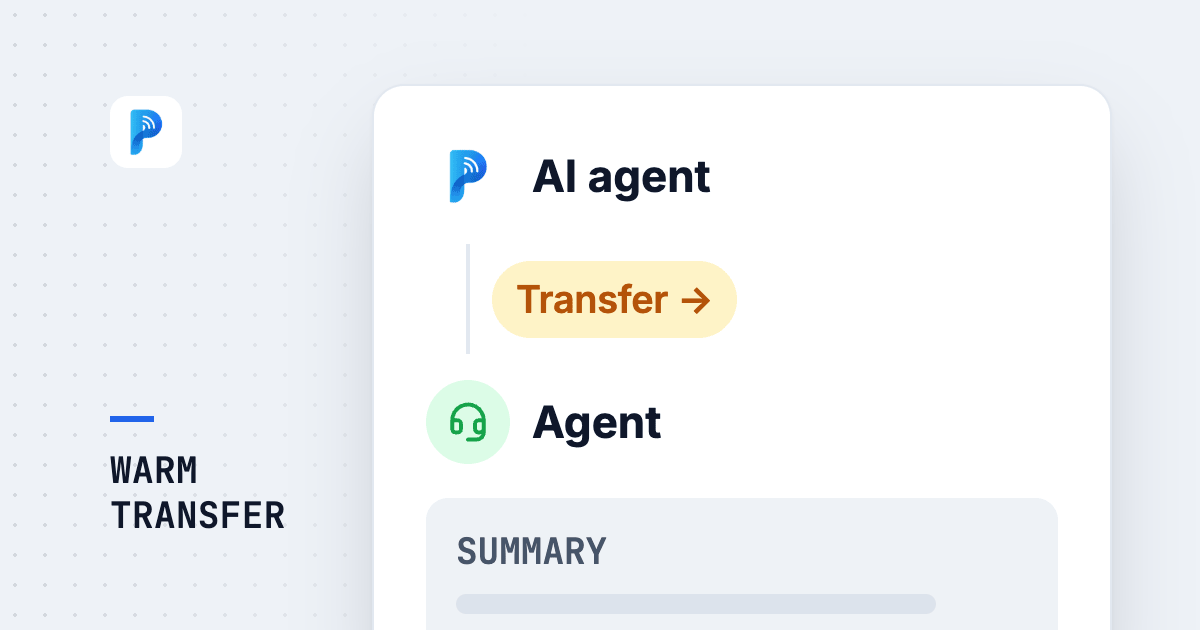
Pathors Contact Center is an AI-native CTI: transcripts and scores are generated automatically after each call, team leads see only their own team, coaching emails are drafted in one click, and agents get next-line suggestions during the call. If you already have a phone system and only want QA, use Voxcal.
Further reading:
Frequently Asked Questions
How is a call recording system different from call QA?
A call recording system stores calls. Call QA means listening to them, scoring them against a scorecard and finding the calls with problems. Many companies have recording but no QA, so recordings are only pulled up when something goes wrong.
We already have a recording server. Do we need to replace it?
Not necessarily. If you only want to score your existing recordings, you can use Voxcal without changing phone systems. If you also want to replace the IVR and agent phones, consider Pathors Contact Center.
Do we have to write rules for the scorecard ourselves?
No keyword rules needed. Use your existing scorecard and write what each item should check in plain language. When you change it, it is saved as a new version.
Can team leads see other teams' recordings?
No. Pathors Contact Center has separate permissions for agents, team leads and admins, each with its own scope, and team leads see only the team they manage.
Do we need to tell customers that service calls are recorded?
In practice, customers are usually told at the start of the call that it will be recorded. How exactly to inform them and how long to keep recordings depends on your company's compliance rules and industry regulations.