AI Customer Service Deployment Guide: A Complete Checklist from Evaluation to Launch
Brandon Lu
COO
You've decided to deploy AI customer service. The budget has been approved and the team is aligned. But what comes next? Find a vendor? Gather requirements? Or document your existing customer service processes first?
Many businesses get stuck in a limbo between "deciding to do it" and "actually going live" — not because the technology isn't ready, but because they don't know what the full deployment process looks like. The result is either months of evaluation paralysis, or a rushed launch followed by a cascade of problems.
This guide breaks the complete AI customer service deployment process into five phases, with clear guidance on what to do, what to ask, and what pitfalls to avoid at each stage.
Phase 1: Requirements Discovery (1–2 Weeks)
Before contacting vendors, get clear on your own situation first.
Inventory your call types and volume breakdown. Spend one to two weeks categorizing customer calls: what percentage are simple queries (orders, billing, business hours)? What percentage require human judgment? What percentage are emotional complaints? This data determines how much AI can take over, and where to start.
List your current systems. Which systems will the AI voice platform need to integrate with? CRM, ERP, order management, scheduling, ticketing — do these have APIs? Do they have documentation? If the answer is "no" or "not sure," you'll need to confirm with your IT team first.
Define success metrics. Why are you deploying AI customer service? Reduce agent headcount by 30%? Decrease call wait times? Improve after-hours service coverage? Quantify these metrics — you'll need them to evaluate success later.
Estimate your budget range. AI customer service system costs vary widely, from a few thousand to hundreds of thousands per month. You don't need an exact figure at this stage, but having a range prevents you from wasting time evaluating options that are completely out of scope.
Phase 2: Vendor Evaluation and POC (2–4 Weeks)
Don't rely on demos alone — run a POC. Demos always use ideal scenarios. What you need is a proof-of-concept using your own real call recordings and actual business processes.
Key POC evaluation points: speech recognition accuracy against your customers' accents; complexity and timeline required to integrate your existing systems; whether end-to-end latency is within acceptable range; how convenient and intuitive the conversation flow design tools are.
Clarify pricing structure upfront. What's included in the monthly fee? How is usage priced? What happens if you exceed usage limits? Who pays for telephone line costs? Are integration development fees one-time or ongoing? What is the minimum contract term?
Confirm technical support model. Who do you contact when something breaks post-launch? Is there a dedicated customer success manager? What is the SLA for response times? Is knowledge base updating done by your team or by the vendor?
Phase 3: Flow Design and Knowledge Base Build (2–4 Weeks)
This is the phase most businesses underestimate.
Convert customer service SOPs into conversation flows. Your agents have an intuitive logic for handling problems, but that logic needs to be explicitly defined before AI can execute it. Which questions does AI answer directly? Which require a system lookup? Which situations trigger a transfer to a human agent? What context is passed at transfer?
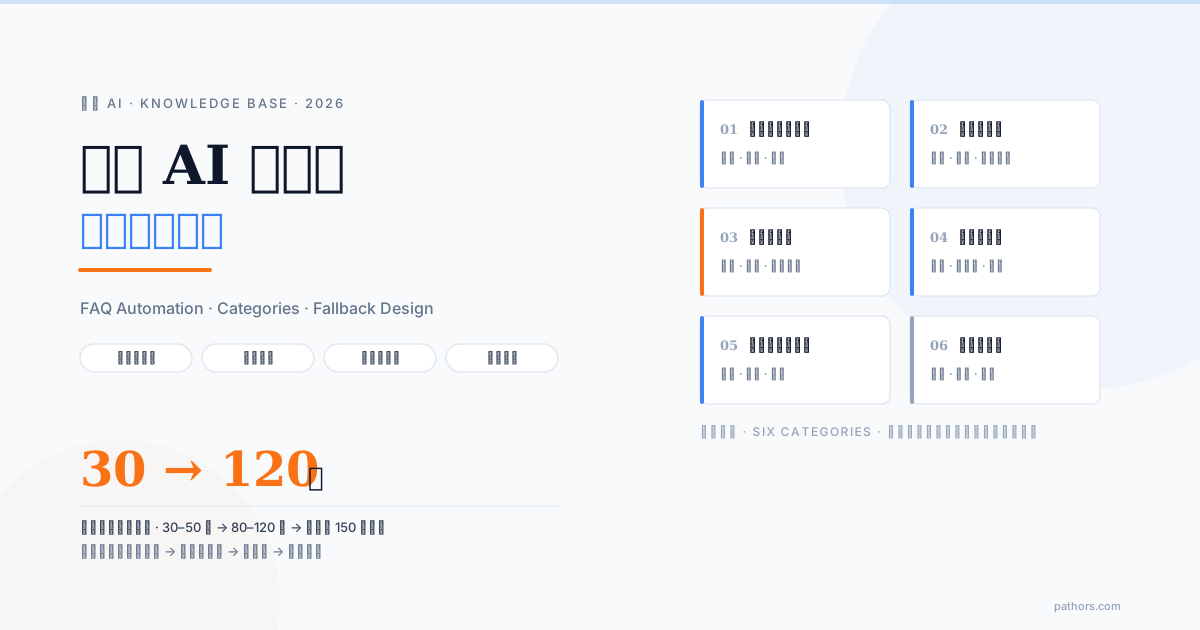
Build the knowledge base. FAQ content, product information, policy terms, business hours, return and exchange rules — every piece of information AI needs to reference must be structured into a knowledge base. Content requires regular updates, especially during promotions, product revisions, and policy changes.
Design fallback mechanisms. When AI encounters something it can't understand or handle, what happens next? Transfer directly to a human? Ask for clarification? Offer alternative options? Well-designed fallbacks are the difference between a good and a poor AI customer service experience.
Phase 4: Internal Testing and Adjustment (1–2 Weeks)
Have your internal team simulate customer calls first. Use different accents, different phrasings, and edge cases to stress-test the AI. Document every case where AI responds poorly, analyze the root cause, and adjust the conversation flow or knowledge base accordingly.
Critically: test the transfer experience. The moment AI transfers to a human agent is where the experience most often breaks down. When a human agent receives a transfer, do they see the AI conversation summary? Do they know what the customer's issue is? Do they have to start over from scratch?
Set up your monitoring dashboard. Before launch, define your key metrics: AI resolution rate, transfer rate, average call duration, customer satisfaction score. These numbers are especially critical during the first two weeks post-launch.
Phase 5: Launch and Continuous Optimization (Ongoing)
Don't go fully live all at once. Start with the lowest-risk scenario — usually after-hours calls or a specific category of standardized queries. Once stable, gradually expand AI's handling scope.
Monitor closely for the first two weeks. Assign someone to listen to AI call recordings daily, review anomalies, and collect feedback from human agents. The faster early issues are caught, the lower the remediation cost.
Establish a regular optimization cadence. AI customer service isn't set-and-forget. Weekly (or at minimum monthly), review: which questions is AI handling poorly? Is any knowledge base content outdated? Are there new call types that need to be added?
Deployment Checklist
| Phase | Tasks | Timeline |
|---|---|---|
| Requirements Discovery | Call categorization, system inventory, success metrics, budget range | 1–2 weeks |
| Vendor Evaluation | POC validation, pricing structure, SLA confirmation | 2–4 weeks |
| Flow Design | SOP-to-conversation-flow, knowledge base build, fallback design | 2–4 weeks |
| Internal Testing | Stress testing, transfer experience, monitoring dashboard | 1–2 weeks |
| Launch and Optimization | Phased rollout, close monitoring, regular optimization | Ongoing |
From kickoff to first launch, 6–12 weeks is a realistic timeframe. If anyone tells you "we can go live in a week," they're almost certainly skipping knowledge base build and testing — and you'll pay for that shortcut after launch.
Pathors follows exactly this deployment logic: starting with a POC to validate your scenario, using visual tools to design conversation flows, phased rollout, and continuous optimization based on call analytics data. If you're planning an AI customer service deployment, book a free Demo — we'll help you run a requirements discovery session and feasibility assessment.

Brandon Lu
COO
Passionate about leveraging AI technology to transform customer service and business operations.
Ready to Transform Your Call Center?
Schedule a personalized demo and see how Pathors can revolutionize your customer service
Pathors empowers businesses with intelligent voice assistant solutions, streamlining customer service, appointment management, and business consulting to enhance operational efficiency.